FOR NICEPAGE WEBSITES BUILT WITH JOOMLA
KEEP YOUR NICEPAGE CONSENT DIALOG. ADD THE CONTROL IT IS MISSING — WITHOUT CODING.

Nicepage Consent Control for Joomla

Nicepage Consent Control for Joomla adds privacy-first defaults, ready-made service presets and technical resource blocking to the consent dialog you already use.

Block optional resources until the visitor has made a choice

Configure common Google and Meta services in minutes

Keep your original Nicepage consent design with new features

Get the plugin from € 29,90 net

One-time purchase · No subscription · Joomla 5 & 6 · Immediate download · Updates included while maintained

for Joomla 5.x and 6.x

NICEPAGE PROVIDES THE CONSENT DIALOG. THE PLUGIN MAKES YOUR WEBSITE ACT ON THE CHOICE.

KEEP THE BANNER. ADD THE MISSING TECHNICAL LAYER.

Nicepage can display a cookie notice and store a visitor’s selection. But optional analytics scripts, fonts, videos, maps and marketing services must also stay blocked until the matching consent category has been accepted. Configuring this manually means researching domains, scripts, cookies, storage keys and dynamically loaded resources. Nicepage Consent Control adds this technical control layer directly to your existing Nicepage setup — with prepared rules for many commonly used services.

As easy to integrate as the rest of your Nicepage workflow: install, select, assign and keep designing.

Built specifically for Nicepage websites on Joomla

Nicepage
Get the plugin for € 29,90

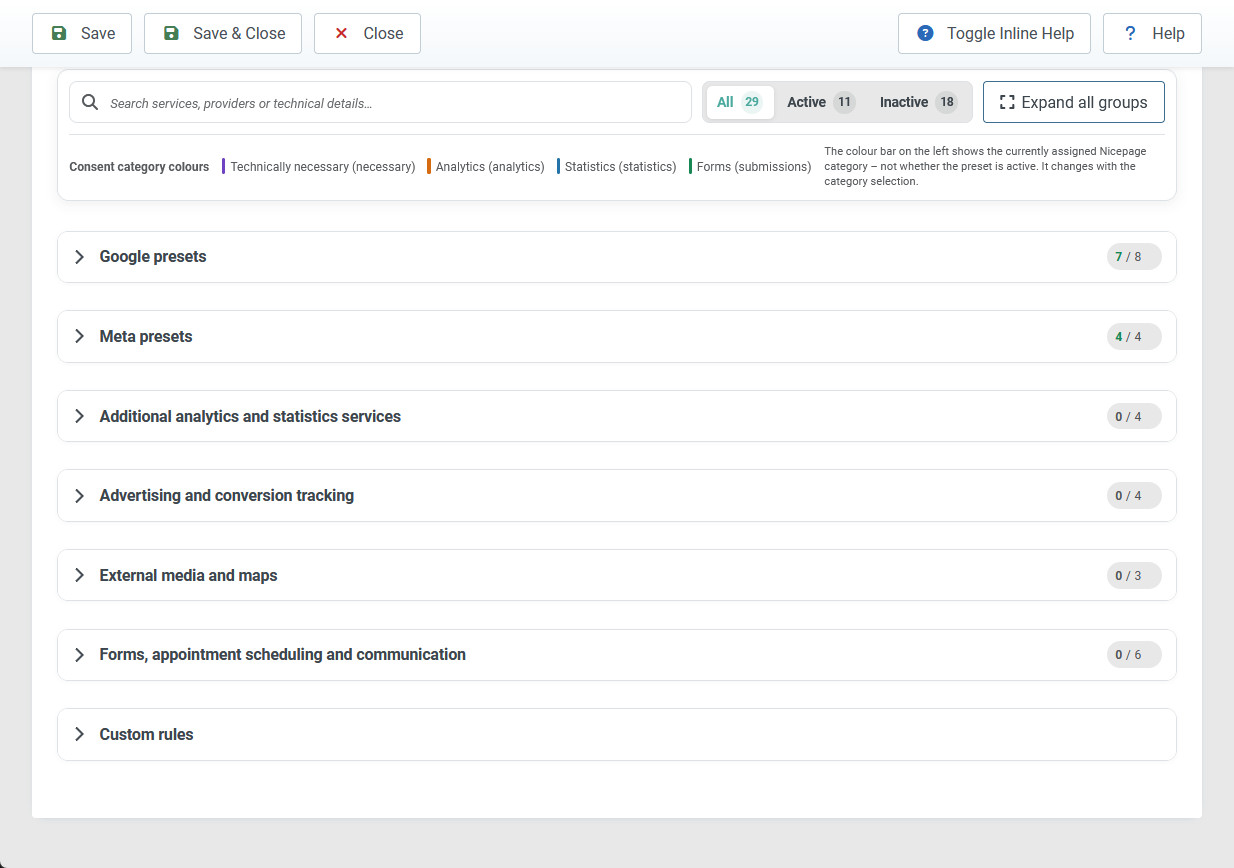
29+ SERVICE PRESETS INCLUDED

SELECT THE SERVICES YOU USE — INSTEAD OF STARTING FROM SCRATCH

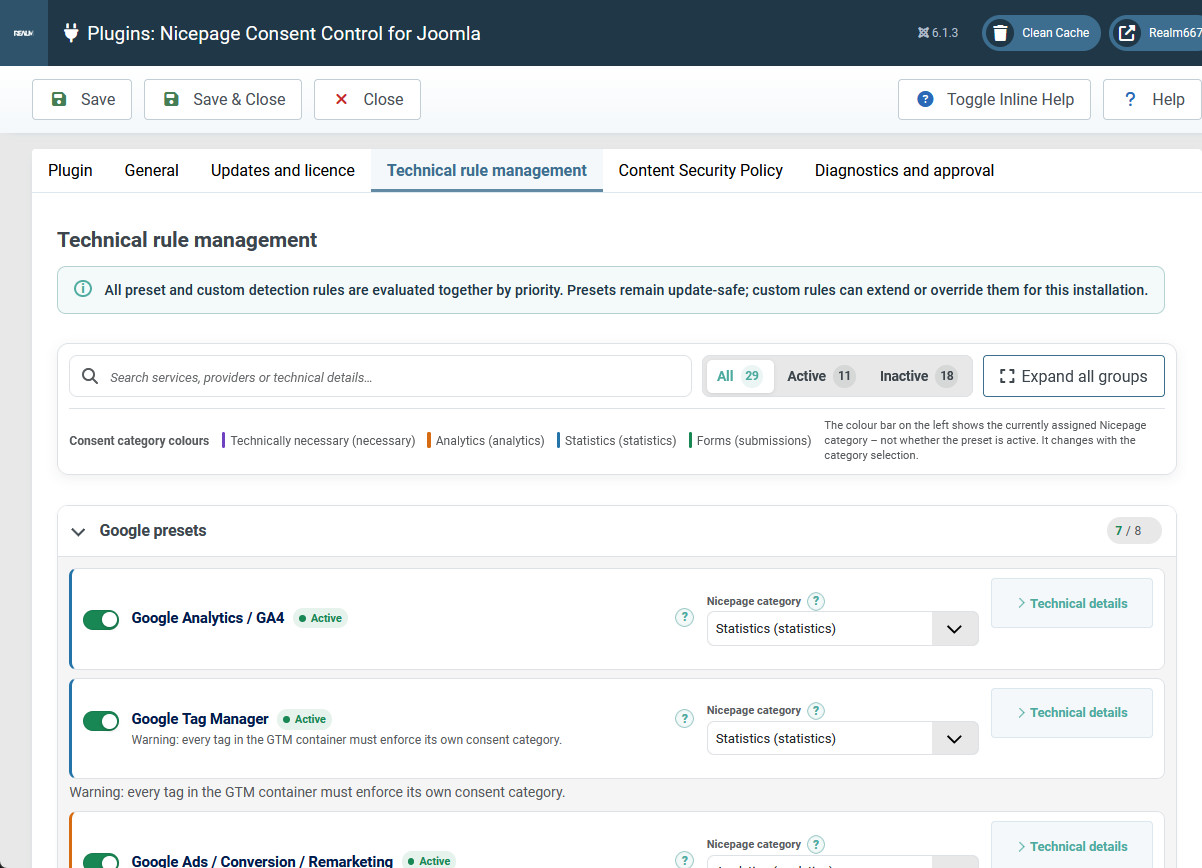
The plugin includes prepared rules for common analytics, marketing, form, map, video and spam-protection services. Activate only the services your website actually uses.

Assign each preset to the appropriate category in your existing Nicepage consent dialog. The relevant domains, scripts, cookies and storage keys are already prepared and can be reviewed or adjusted at any time.

Google

  • Google Analytics and GA4
  • Google Tag Manager
  • Google Ads and remarketing
  • YouTube
  • Google Maps and Places
  • Google reCAPTCHA
  • Google Fonts
  • Google APIs

Forms, Scheduling & Spam Protection

  • Cloudflare Turnstile
  • hCaptcha
  • Calendly
  • Mailchimp Forms
  • HubSpot Forms
  • HubSpot Chat

Analytics & Behaviour Insights

  • Matomo Analytics
  • Microsoft Clarity
  • Hotjar
  • HubSpot Analytics

Meta

  • Meta/Facebook Pixel
  • Facebook SDK and social plugins
  • Instagram embeds
  • Facebook Messenger

Marketing / Conversion

  • LinkedIn Insight Tag
  • Microsoft Advertising UET
  • TikTok Pixel
  • Pinterest Tag

Maps / Videos

  • Mapbox
  • OpenStreetMap Embeds
  • Vimeo Player

WHY NICEPAGE USERS CHOOSE THE PLUGIN

KEEP YOUR EXISTING BANNER. ADD THE MISSING CONTROL LAYER.

START WITH 29+ READY-MADE PRESETS

Enable only the services your website uses instead of researching every technical rule yourself.

USE YOUR EXISTING NICEPAGE CATEGORIES

Connect every service to the categories in your current Nicepage consent dialog — without adding a second banner or external platform.

ADD CUSTOM SERVICES WITHOUT EDITING PLUGIN CODE

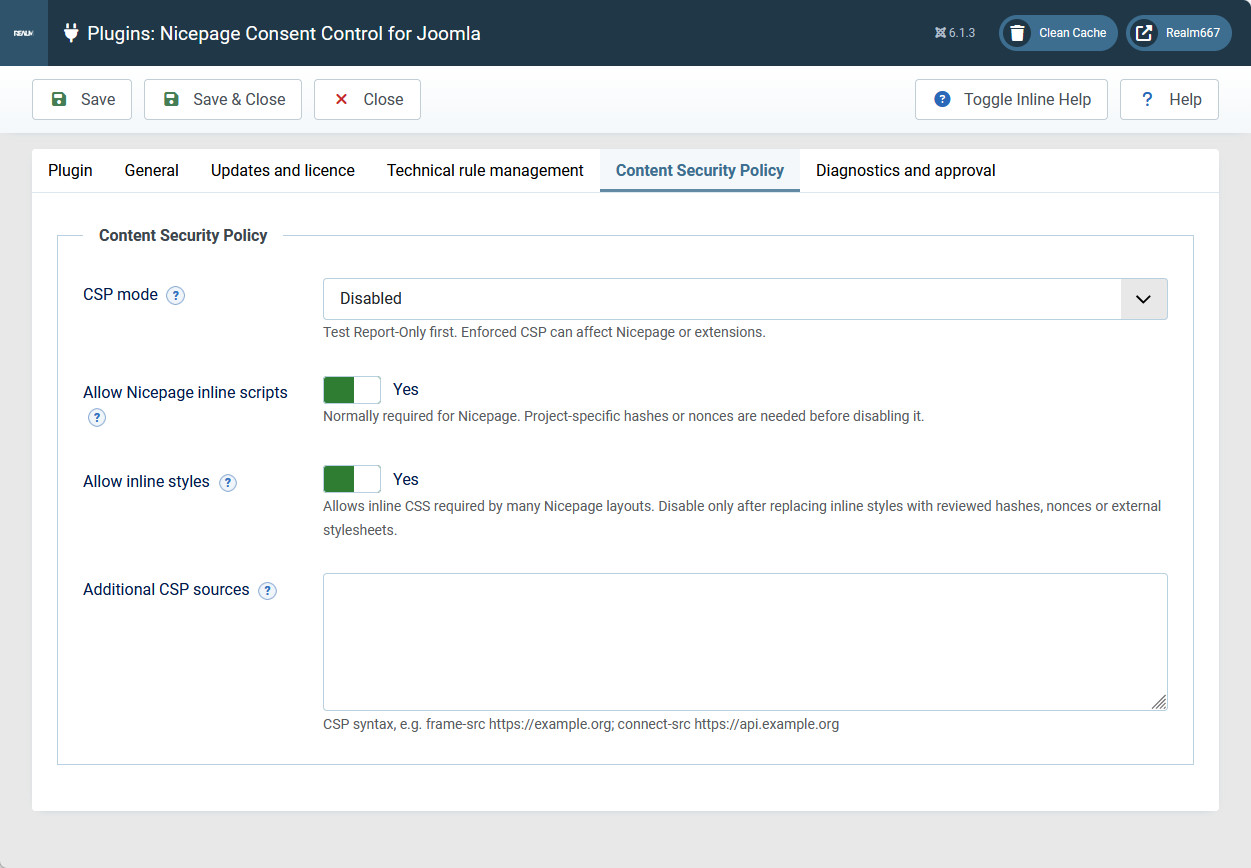
Define rules for domains, scripts, iframes, cookies and browser storage directly in the Joomla backend.

FIND RESOURCES YOU MAY HAVE MISSED

Administrator diagnostics help identify new or unknown external resources before your website goes live.

Compatible with Joomla 5.x and Joomla 6.x

Get the plugin from € 29,90 net

Not limited to Presets

CONTROL CUSTOM SCRIPTS AND SERVICES TOO

Not every integration can be covered by a preset. Create custom rules for external domains, URLs, inline scripts, iframes, cookies, cookie prefixes, Local Storage, Session Storage and other configured resource types. Assign each rule to a Nicepage consent category and block it until consent — globally or only on selected Joomla menu items. No changes to the plugin code are required.

Ready for the services you use today — and flexible enough for the ones you add tomorrow.
Get the plugin from € 29,90 net

More control with less manual work

THE NICEPAGE DIALOG STAYS. THE PLUGIN HANDLES WHAT MAY LOAD.

BLOCK OPTIONAL RESOURCES — EVEN WHEN THEY LOAD LATER

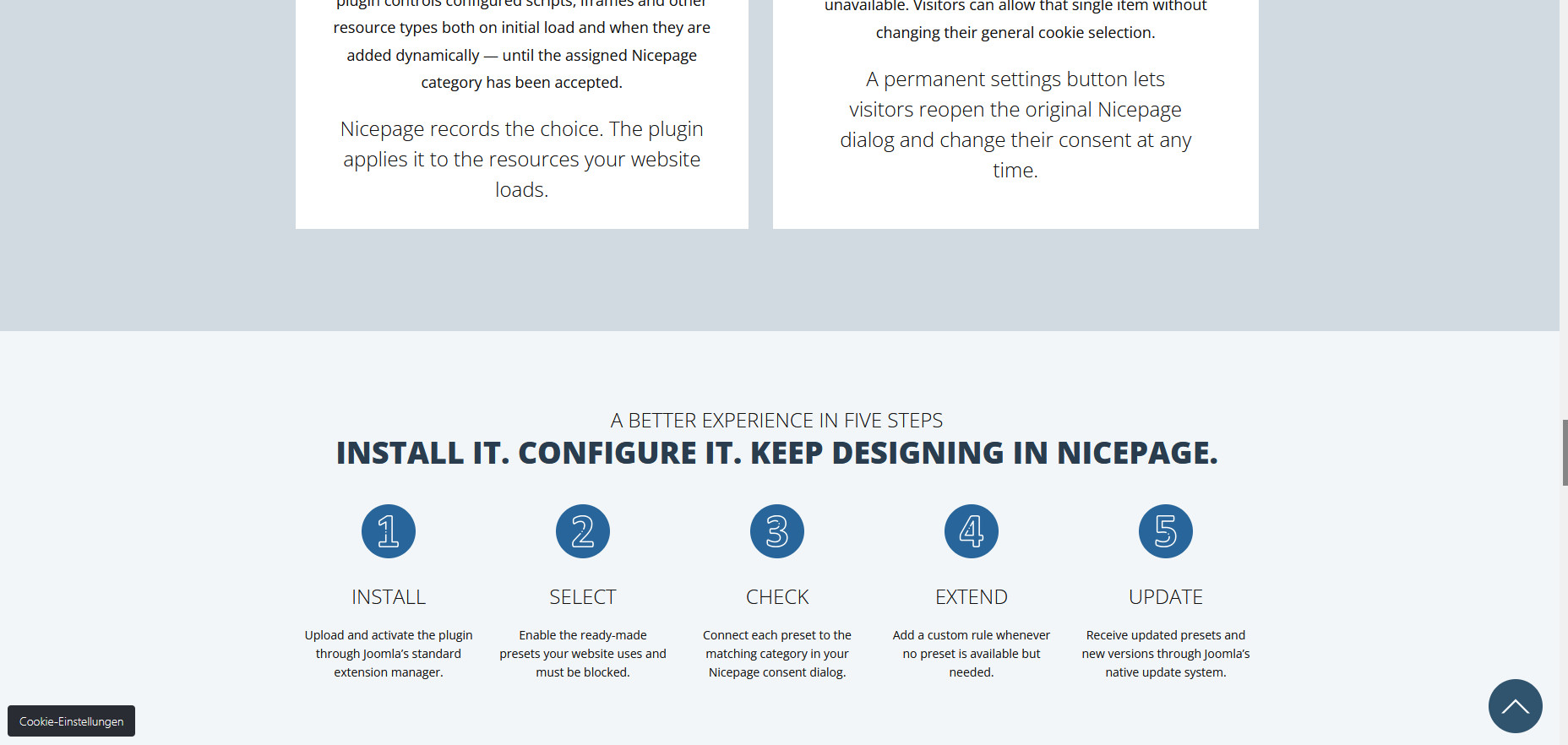
External resources do not always appear in the initial page source. Scripts may load additional services after the page opens or after a visitor interacts with it. The plugin controls configured scripts, iframes and other resource types both on initial load and when they are added dynamically — until the assigned Nicepage category has been accepted.

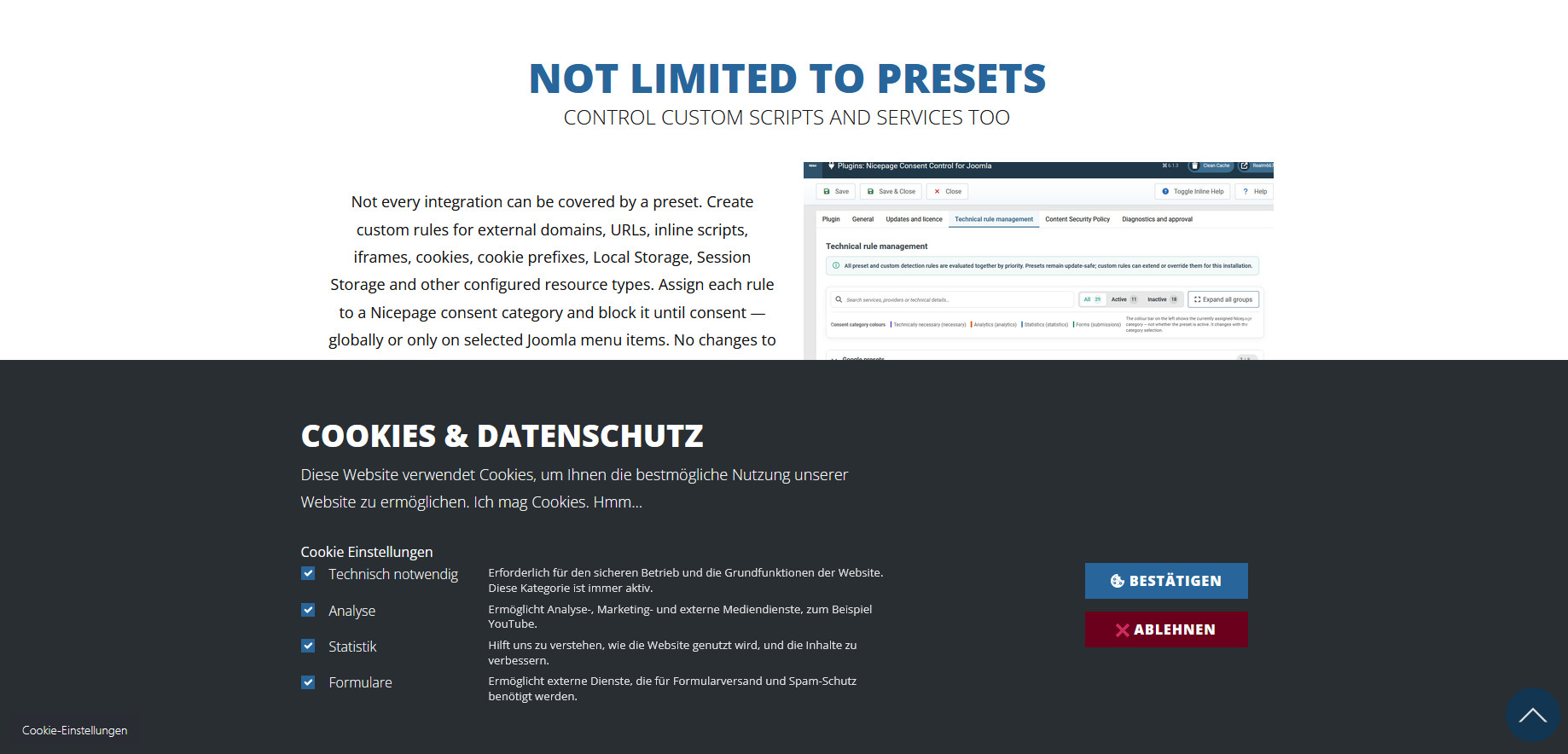
Nicepage records the choice. The plugin applies it to the resources your website loads.

SHOW HELPFUL PLACEHOLDERS INSTEAD OF EMPTY CONTENT AREAS

When a YouTube video or Google Map is blocked, a localized placeholder explains why the content is unavailable. Visitors can allow that single item without changing their general cookie selection.

A permanent settings button lets visitors reopen the original Nicepage dialog and change their consent at any time.

A BETTER EXPERIENCE IN five STEPS

Install it. Configure it. Keep designing in Nicepage.

Install

Upload and activate the plugin through Joomla’s standard extension manager.

Select

Enable the ready-made presets your website uses and must be blocked.

Check

Connect each preset to the matching category in your Nicepage consent dialog.

Extend

Add a custom rule whenever no preset is available but needed.

Update

Receive updated presets and new versions through Joomla’s native update system.

Frequently asked questions

Know exactly what you are buying.

Does the plugin replace the Nicepage consent dialog?

No. The plugin is designed to work with the original Nicepage consent dialog. It keeps the interface your visitors already know and adds the technical rules that apply their selection to scripts, cookies and external content.

How much of the setup is automatic?

The plugin provides privacy-first defaults and 29 prepared service presets, so you do not have to build every technical rule from scratch. You still choose which services your website uses, assign the correct Nicepage categories and review the final configuration.

Do I need programming knowledge?

Not for services covered by the built-in presets. Install the plugin, enable the required presets and assign their Nicepage categories through the Joomla backend. Custom services require information about the resources they use, but no modification of the plugin code is necessary.

Does the plugin guarantee GDPR compliance?

No software can guarantee legal compliance on its own. Compliance also depends on the services used, their correct classification, your privacy notice and your final website configuration. The plugin provides the technical tools needed to apply consent choices more reliably.

KEEP YOUR NICEPAGE WORKFLOW. ADD THE CONSENT CONTROL IT NEEDS.

INSTALL ONCE. CONFIGURE IN JOOMLA. KEEP DESIGNING.

SECURE ONE-TIME PURCHASE

Get Consent Control for Nicepage

Instant digital delivery. No subscription. Choose access for 1, 10 or unlimited active Joomla installations.

Choose your licence

Consent Control for Nicepage is licensed under the GNU GPL. The selected plan determines access to official downloads, updates and included services.

Consent Control for Nicepage is an independently developed extension and is not affiliated with or endorsed by Nicepage.

Billing details

Net price
VAT
Total

Add the missing technical consent layer to your existing Nicepage Joomla website. Start with 29 ready-made presets, extend them with custom rules and receive future updates through Joomla — without replacing your banner or adding another subscription.


  • Uses the existing Nicepage consent dialog
  • 29 ready-made service presets included
  • No programming required for preset services
  • Custom scripts and services supported
  • One-time purchase
    Immediate digital delivery
  • No external account required
  • Updates included while maintained
  • PHP 8.1 or newer
  • Joomla 5 and Joomla 6
for Joomla 5.x and Joomla 6.x
 License